Make Waves.
Not Keystrokes.
Private voice dictation that types wherever you are. Press Alt + W in any app, talk, and clean, punctuated text lands right where your cursor is. Speech recognition and AI run on your own PC, so your voice never leaves it.
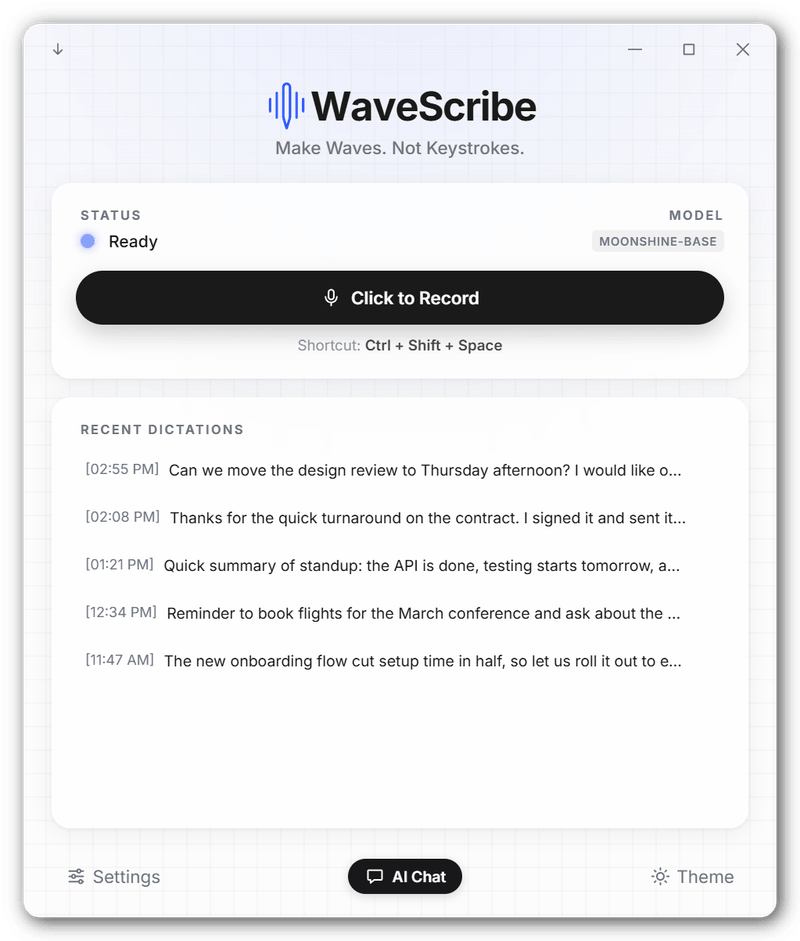
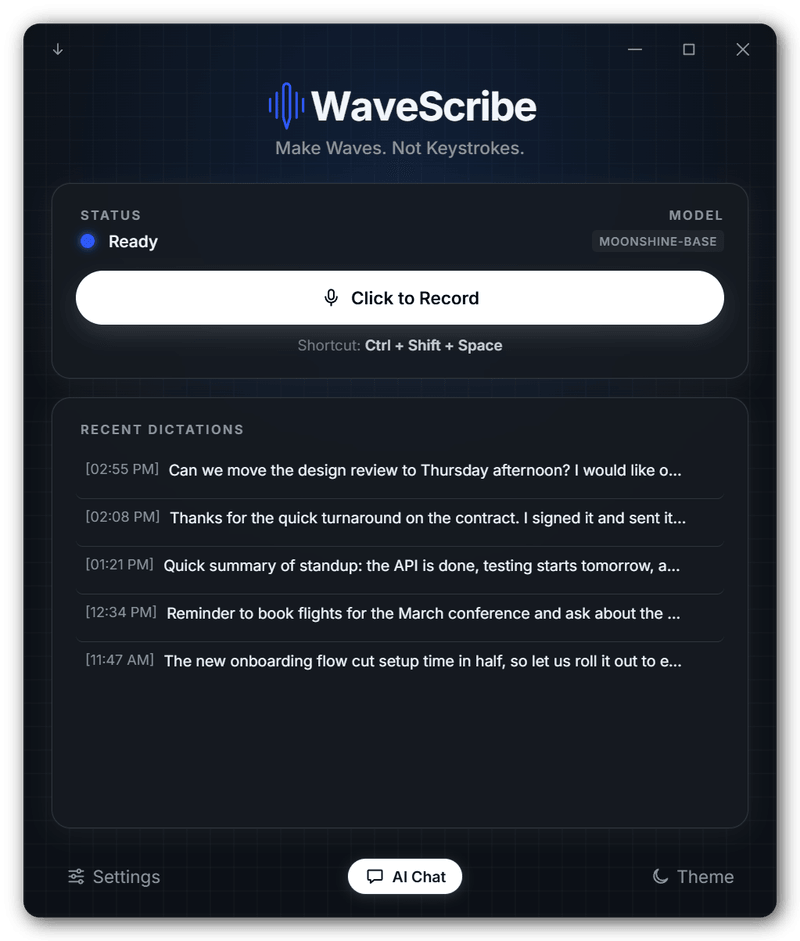
Three steps. Any app.
Email, Word, Slack, a browser or your code editor. If it has a text cursor, WaveScribe can type into it.
Press Alt + W
Click into any text field and hit the shortcut. Prefer to hold a key while you speak? Turn on push to talk.
Just talk
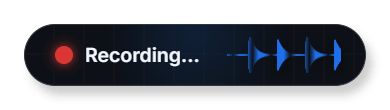
A small indicator appears beside your text cursor and moves with your voice. Speech is transcribed phrase by phrase as you go.
Press it again
Your words appear right where you were typing: punctuated, capitalized, with the ums and uhs removed.

Built to stay out of your way.
Dictation that is fast enough to trust and private enough to use for anything.
Private by design
Speech recognition and every AI feature run locally. Your voice and your text never leave your PC.
Fast
Phrases are decoded while you are still talking, so the text appears moments after you stop.
Smart edit
Drops self-corrections ("Tuesday, no wait, Wednesday") and false starts, turns spoken lists into lists, and understands "new paragraph" and "scratch that".
Custom words
Teach it the names and jargon it mishears, so "gooey" becomes "GUI" every time.
Mini mode
Shrink WaveScribe to a small pill that floats above your work and shows when it is listening.
Updates itself
New versions download in the background. One click on "Update" installs it, and WaveScribe reopens on its own.
Select. Speak. Done.
Highlight text in any app, press Alt + Shift + W and say what to change. The selection is replaced with the result. With nothing selected, it writes what you ask for.
Make this more formal
A private AI, offline.
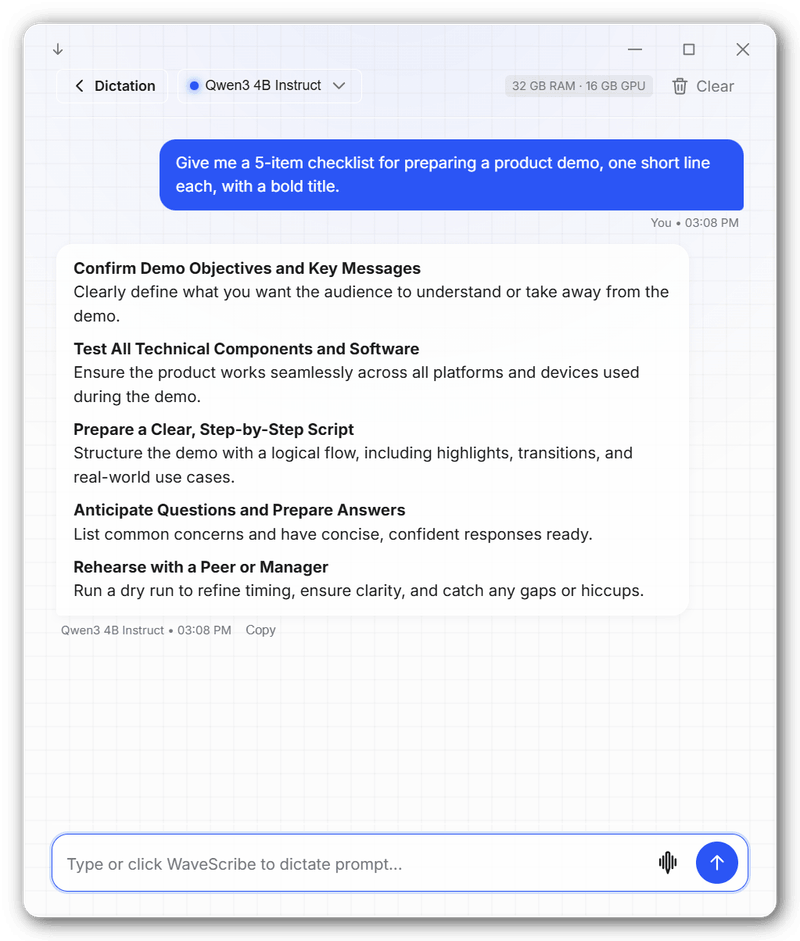
Chat with open-source models like Llama, Qwen, Gemma and Phi, running entirely on your PC.
- Formatted replies with headings, lists and code.
- Dictate your questions instead of typing them.
- No account, no API key, and nothing sent to the cloud.
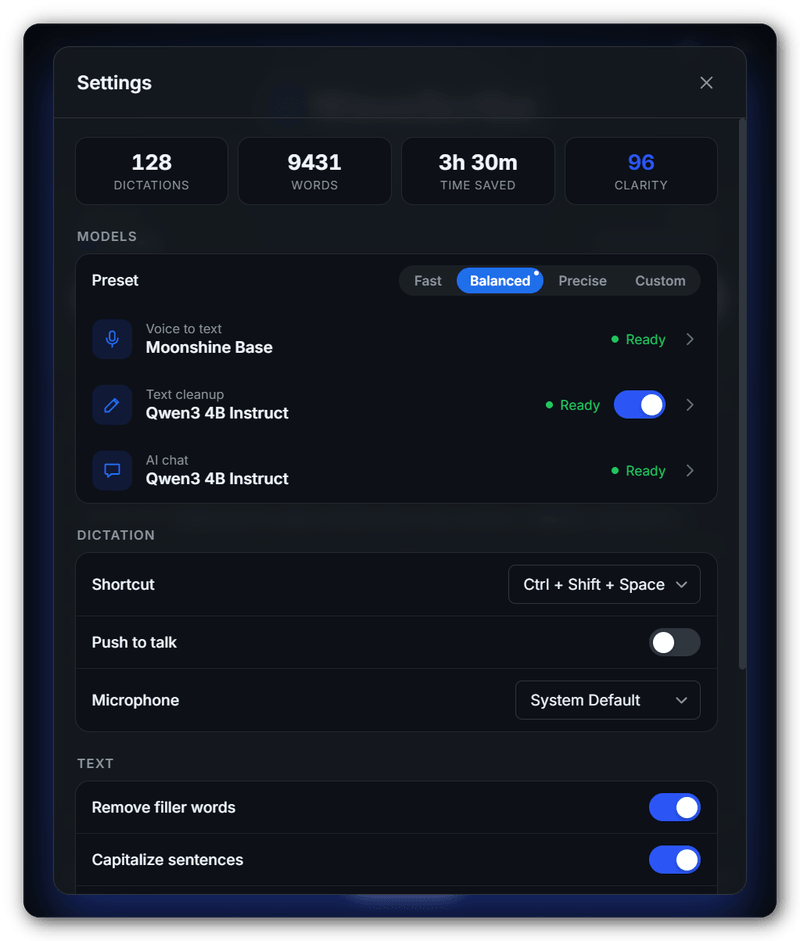
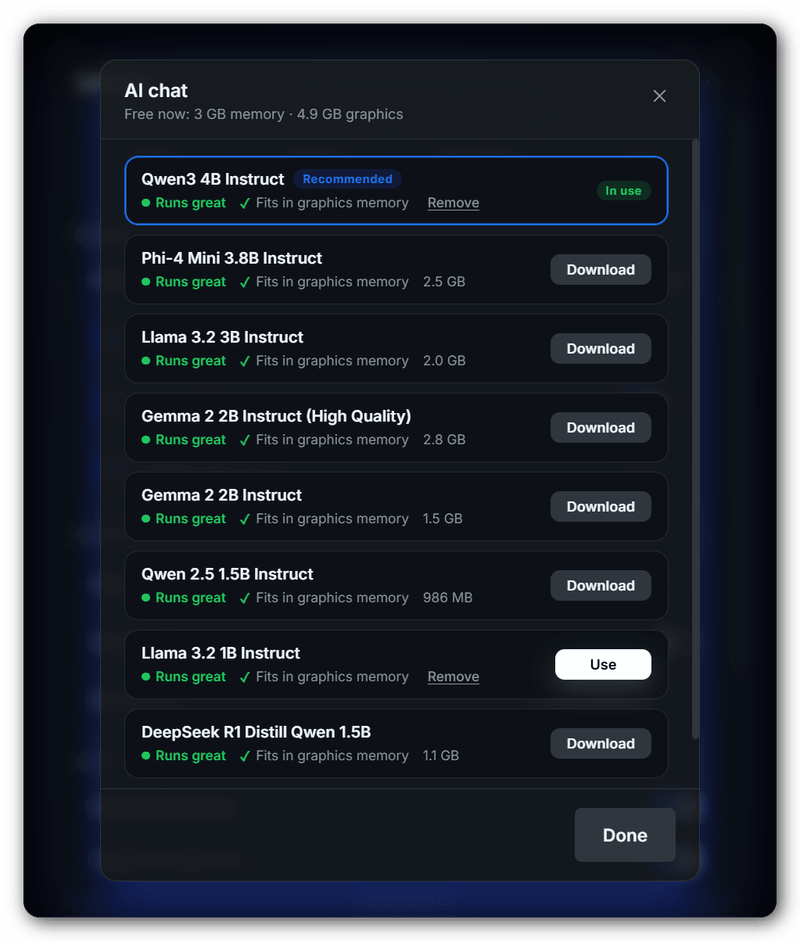
It knows what your hardware can run.
WaveScribe checks your PC and the memory that is free right now, then recommends models that will run well on it.
- Three independent choices: voice to text, text cleanup and AI chat.
- One-click presets: Fast, Balanced or Precise.
- Clear fit signals: whether each model runs well now and fits on your graphics card, with the best one marked Recommended.
What goes online? Almost nothing.
Your audio and text stay on your PC. WaveScribe connects to the internet only to download the models you choose (from Hugging Face), to check GitHub for updates, and to load its font.
Hands on the keys, barely.
| Alt + W | Start or stop dictating (change it in Settings) |
| Hold the shortcut | Push to talk, when enabled in Settings |
| Alt + Shift + W | Voice command on the selected text |
| Enter / Shift + Enter | Send a chat message / new line |
How dictation actually works.
A streaming pipeline built so the wait after you stop talking is as short as possible.
Stop typing. Start talking.
Free, open source and private. Download the installer, press Alt + W, and make waves.